
Choosing between 4K and 6K wallpapers for iPhone and iPad
Sharpness depends on the pixels left after cropping. See when 4K is enough and when a larger file helps.

For everyday iPhone use, a sharp 4K image with proportions close to your screen is usually plenty. A 6K version can help when you want to zoom into a detail or crop away much of the original frame.
Compare the dimensions after cropping
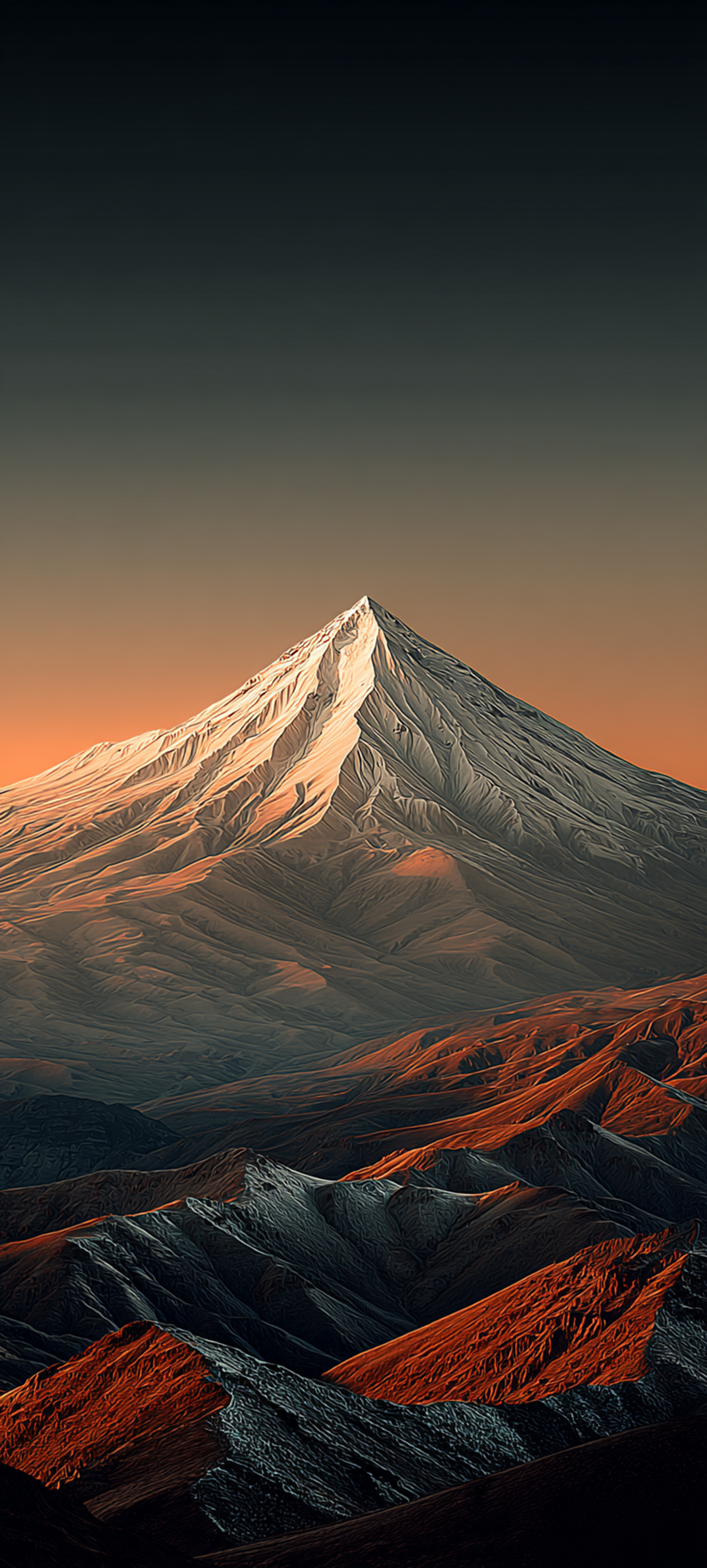
Check the file’s actual width and height. The 4K or 6K label says little about how many pixels will be left after cropping. For example, cropping a 3840 × 2160 landscape image to a 9:20 portrait frame leaves roughly 970 × 2160 pixels. To preserve the mountain detail, try a dedicated portrait version or a larger original.
What to choose for iPad
If you rotate your tablet, preview the wallpaper in both orientations. Scenes that keep the important details near the centre are easier to crop. If the peak or main subject gets cut off in one orientation, try another composition before downloading a larger file.
A quick sharpness check
Set the wallpaper on the Home Screen and look for fine outlines, textures and smooth transitions. If it looks soft after zooming, zoom out or try a higher-resolution version. File size usually grows with resolution, so 4K is a practical starting point for a simple composition.